
From messy scan
to usable part.
GotMesh cleans, repairs and measures 3D scans. One click removes the junk, closes the holes and gives you a watertight model, ready to print, mill or bring into CAD.
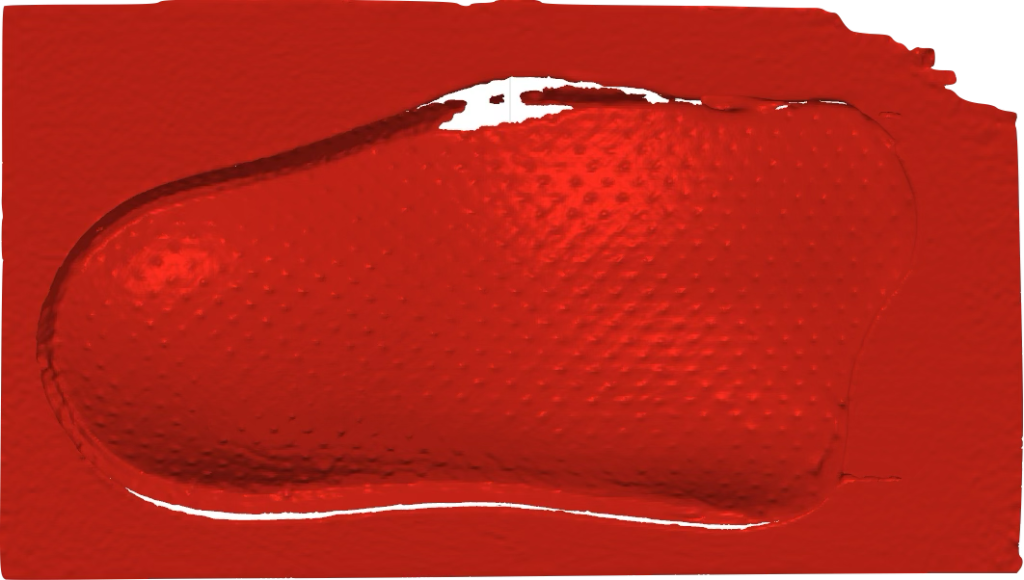

Everything between the scanner and the finished file
Every tool, one workspaceA scan is not a part. Yet.
A scanner gives you millions of noisy triangles, plus the table, your hands and a few holes. What you need is the object: clean, closed and the right size. GotMesh’s job is to get you from one to the other quickly, without hours of manual editing.
Load your meshes
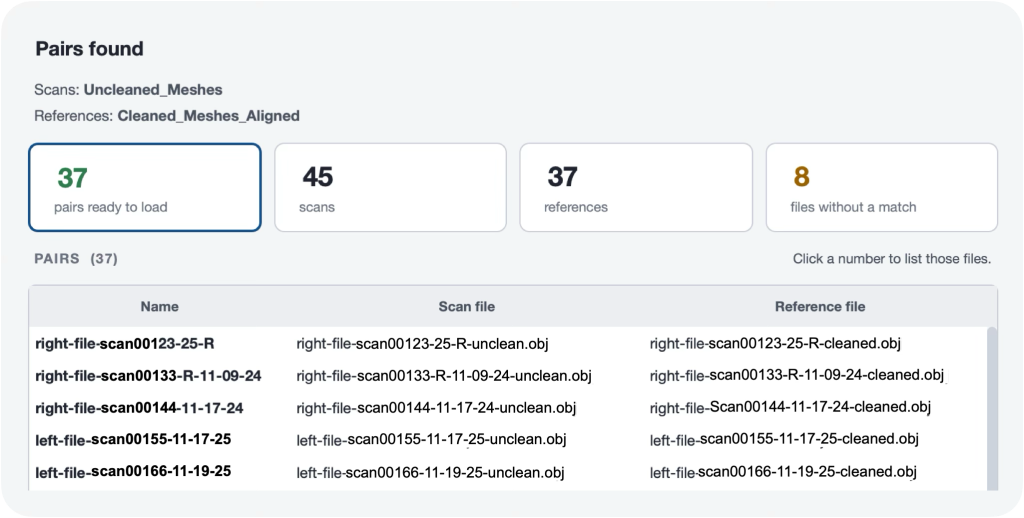
Import uncleaned and cleaned pairs so the model can learn exactly how you want meshes prepared.
Map your clean mesh

Use your exact clean mesh as the reference and map it onto new unclean scans, preserving the geometry you already approved.
Train and organize your own dataset

Keep full control of which clean and unclean pairs the model learns from. Review, organize, and refine your dataset locally — nothing leaves your computer.
How it works
Four steps to get to something clean.
Load
OBJ, STL, PLY, OFF, glTF, or a point cloud.
Clean
Train your own neural network to clean the meshes for you.
Check & repair
Wide toolkit to repair holes and shape topology to your preference.
Export
Quick export to STL, OBJ, and STEP.